Ask for a board
Search every board you can reach by name, title, or notes, and read what each one shows, from its charts to its queries and variables.
AI assistants
Add dbt Charts to Claude or ChatGPT with one URL. Ask for a board and get an interactive chart in the conversation, on your own data, with your own permissions.
Free to connect. Works in Claude, ChatGPT, and Claude Code.
What you can do
Search every board you can reach by name, title, or notes, and read what each one shows, from its charts to its queries and variables.
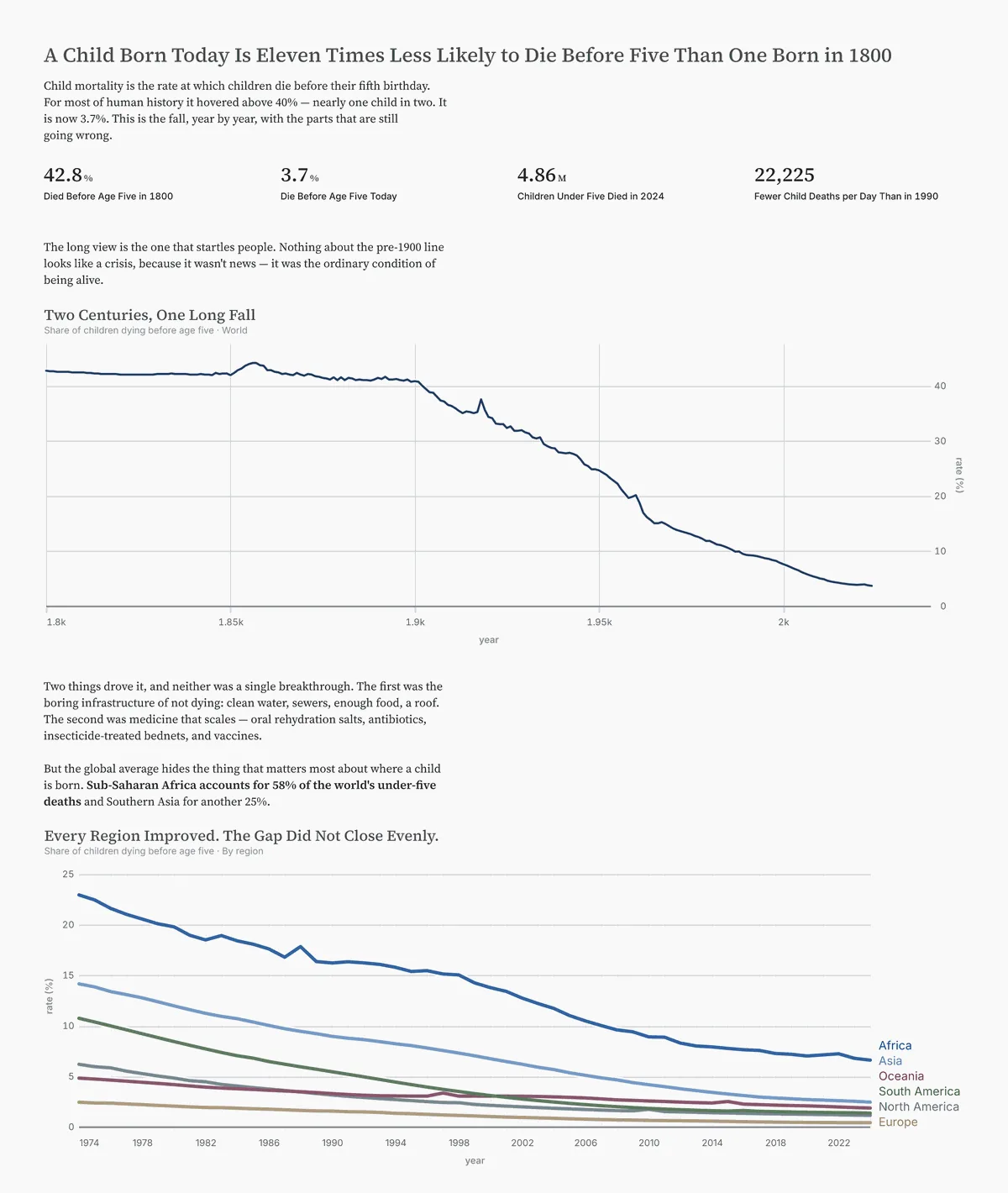
A board renders in the conversation as an interactive chart, from a stored board or from YAML the assistant writes on the spot.
The assistant runs the board's named queries, or its own SQL, against your connected warehouse and answers from the rows.
Describe the chart you want. The assistant drafts the board, renders it, and links it to the editor, where you refine it and save.
How it works
The connector is a remote server at https://dbtcharts.com/mcp. Claude or ChatGPT calls it on your behalf, and dbt Charts checks every call against what you can already reach.
You sign in to dbtCharts.com as yourself. Every call is checked against your own access to the board, project, and data source it touches. The grant is a ceiling, never a widening.
The consent screen asks which organizations the connector may reach. Only the ones you check are visible to it.
No tool writes to your project. A draft board is saved by you, in the editor, under your own session. Queries are statement-guarded, row-capped, and time-limited.
Account Settings, Connected apps lists every client with access. Revoke one and its next call fails immediately.
Every tool and permission is listed in the connector docs.
Supported hosts
Claude on the web, desktop, and mobile. Add it as a custom connector in Settings, Connectors. On Team and Enterprise plans an organization owner adds it once for everyone.
Turn on Developer mode, create a connector from the same URL, and sign in. ChatGPT registers itself; there is no client ID or secret to paste.
The dbt Charts plugin bundles the connector with the board skills for building, designing, reviewing, and troubleshooting boards, so Claude follows them without being asked.
Connect
https://dbtcharts.com/mcp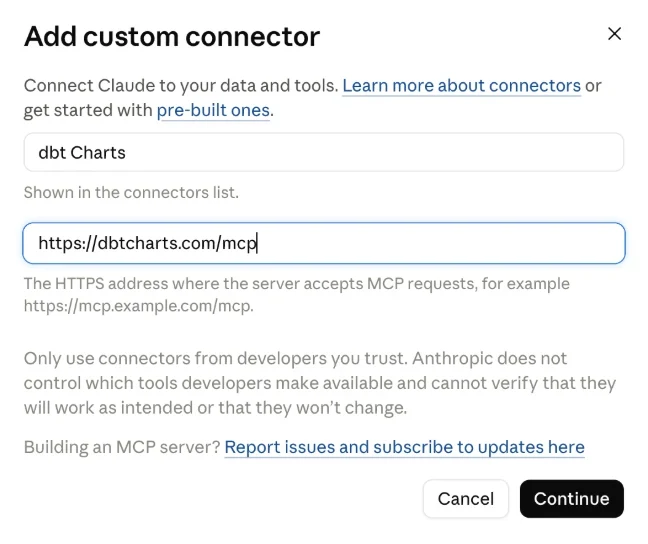
Add the plugin marketplace, then install the plugin, from inside a session.
/plugin marketplace add dbt-labs/dbt-charts
/plugin install dbt-charts@dbt-charts-plugins
FAQ
No. It has no write tools. A board the assistant drafts only exists in the chat until you open it in the editor and save it yourself.
No. Each call is checked against your own access to the project and data source. A source you can't query is left out.
No. Nothing runs on your machine. The connector is a remote server, so Claude and ChatGPT reach it from their cloud.
Viewing your boards and the data they show, and running SQL against your connected warehouse, which the screen marks Sensitive. You choose the organizations.
Open Account Settings, Connected apps, and choose Revoke next to the client. Reconnecting later is the same paste-and-approve flow.
Not yet. For now you add it by URL, as above.
Connect Claude or ChatGPT to your dbtCharts.com workspace in a minute.